

My OldBoy! - GBC Emulator
Fast Emulator
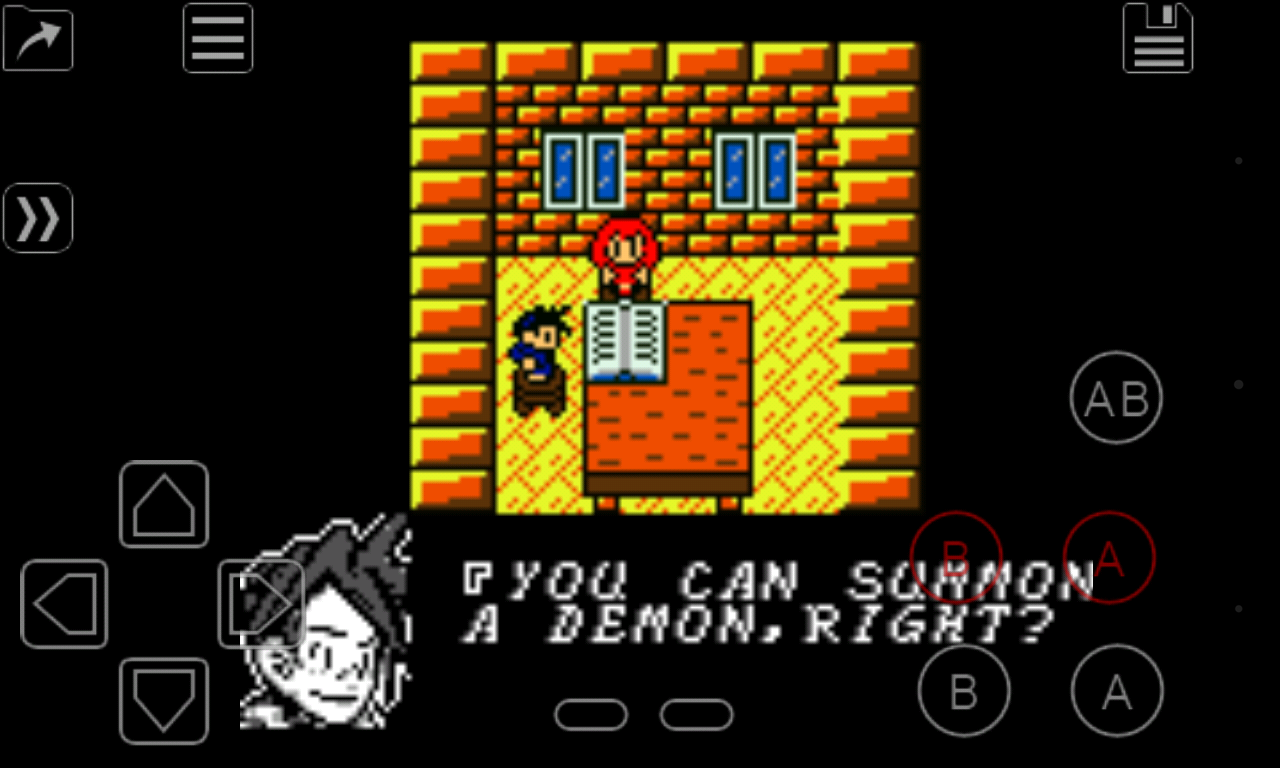
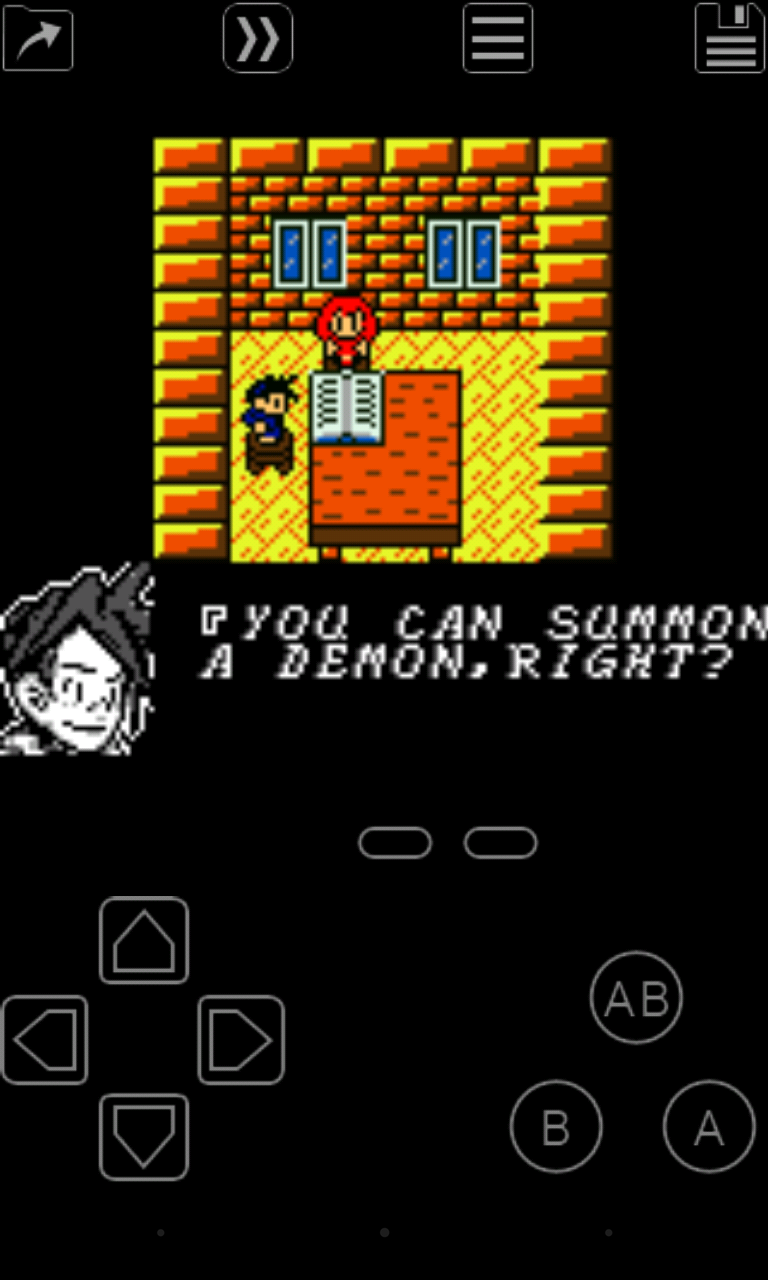
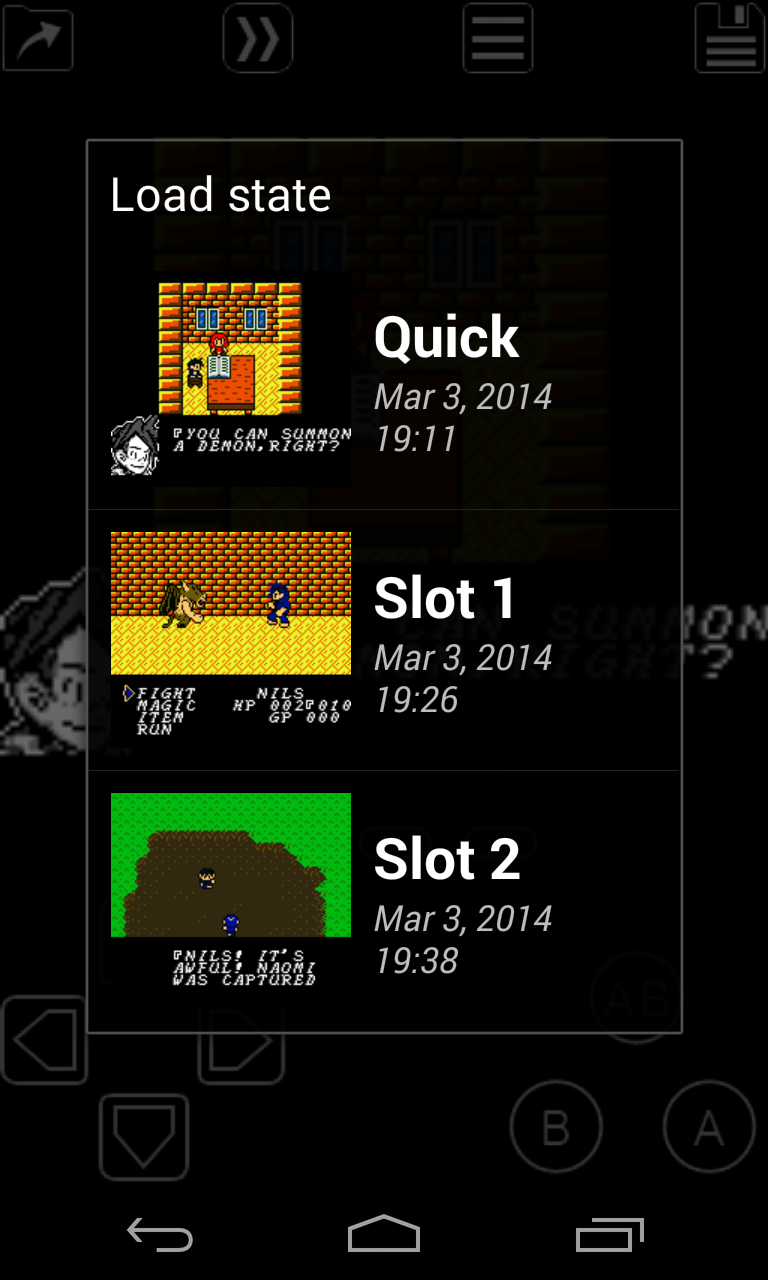
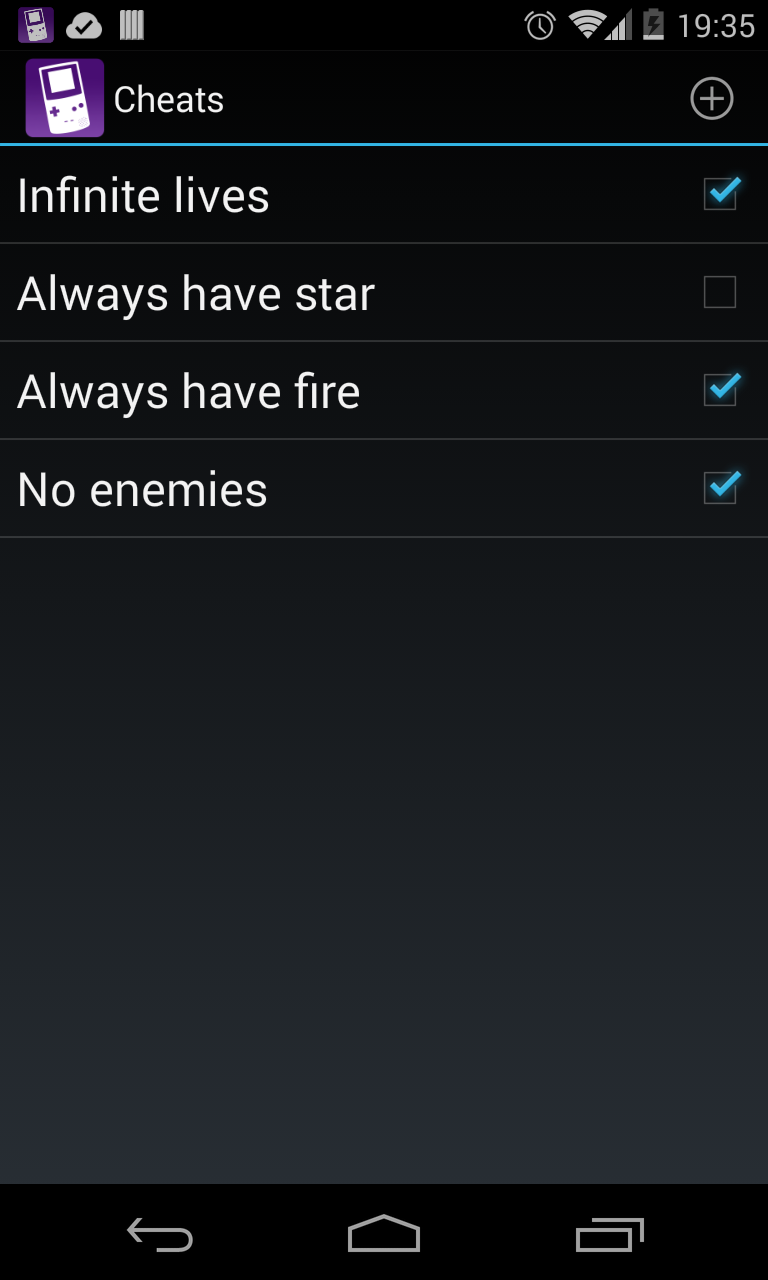
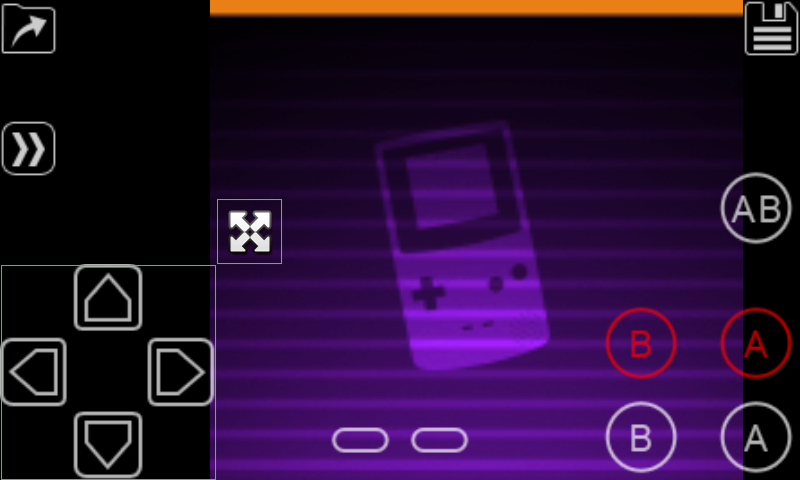
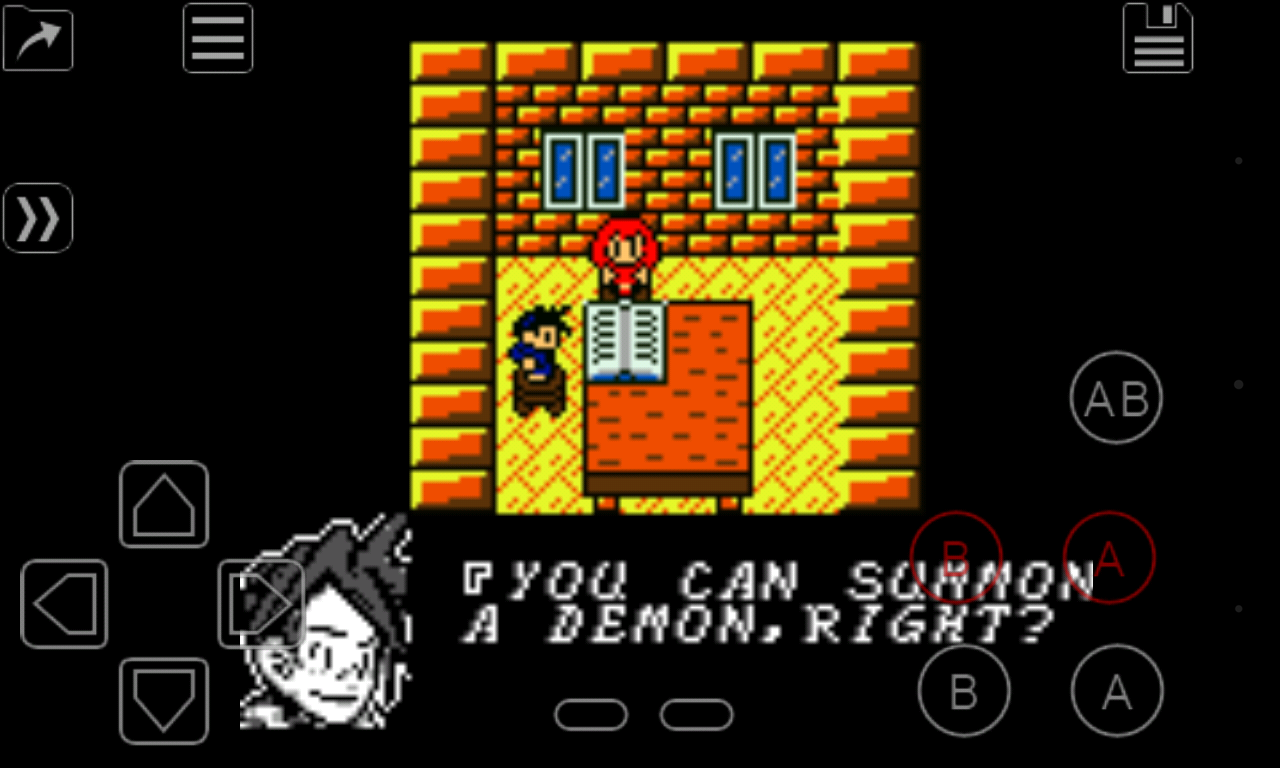
더 보기My OldBoy! is a full-featured and super-fast emulator to run Game Boy and Game Boy Color games on the broadest range of Android devices, from very low-end phones to modern tablets. It emulates accurately almost every aspect of the real hardware. Special features including link cable, rumble, and tilt sensor are also supported. You can also make your GB games colorful by selecting a custom palette. Of course it does not just emulate the hardware. Thanks to the save state system, you can save progress at any time and return back to it instantly. And while enabling fast-forward in game, you can quickly skip to the part of the game you are mostly interested in. • Fast emulation with ARM assembly code. Easily get to 60 FPS without frame skips even on very low-end devices. • Very good game compatibility. • Saves your battery as much as possible. • Link cable emulation either on the same device, or across devices over Bluetooth or Wi-Fi, running at decent speed. • Tilt sensor and rumble emulation through your Android's hardware sensors and vibrator! • Game Boy Camera and Game Boy Printer emulation. • Super Game Boy palettes emulation. Enhance monochrome games by bringing more colors! • Enter multilined GameShark/GameGenie cheat codes and enable/disable them on the fly while the game is running. • IPS/UPS ROM patching • Fast-forward to skip long stories, as well as slow down games to get past a level you cannot in normal speed. Depending on your hardware, it can run as fast as 50x normal speed. • OpenGL rendering backend, as well as normal rendering on devices without a GPU. • Cool video filters through the support of GLSL shaders. • Save games at any time with screenshot. • Sync saves with Google Drive. • On-screen keypad, as well as shortcut buttons such as load/save. • A powerful screen layout editor, with which you can define the position and size for each of the on-screen controls, as well as for the game video. • External controllers support, through either the Android native way or input method. • Well-designed user interface. Seamlessly integrated with the latest Android. • Create and switch to different screen-layout and key-mapping profiles. • Create shortcuts to easily launch your favorite games from your desktop. No games are included in this app and you need to obtain yours in a legal way. Place them onto your SD card, and browse to them from within the app. LEGAL: This product is not affiliated with, nor authorized, endorsed or licensed in any way by Nintendo Corporation, its affiliates or subsidiaries.




지금은 모든 콘텐츠가 있습니다. 새로운 게임을 시작하시겠습니까?